Education → Lecture & Training Rooms

Lecture Rooms
Built for Hybrid Learning.

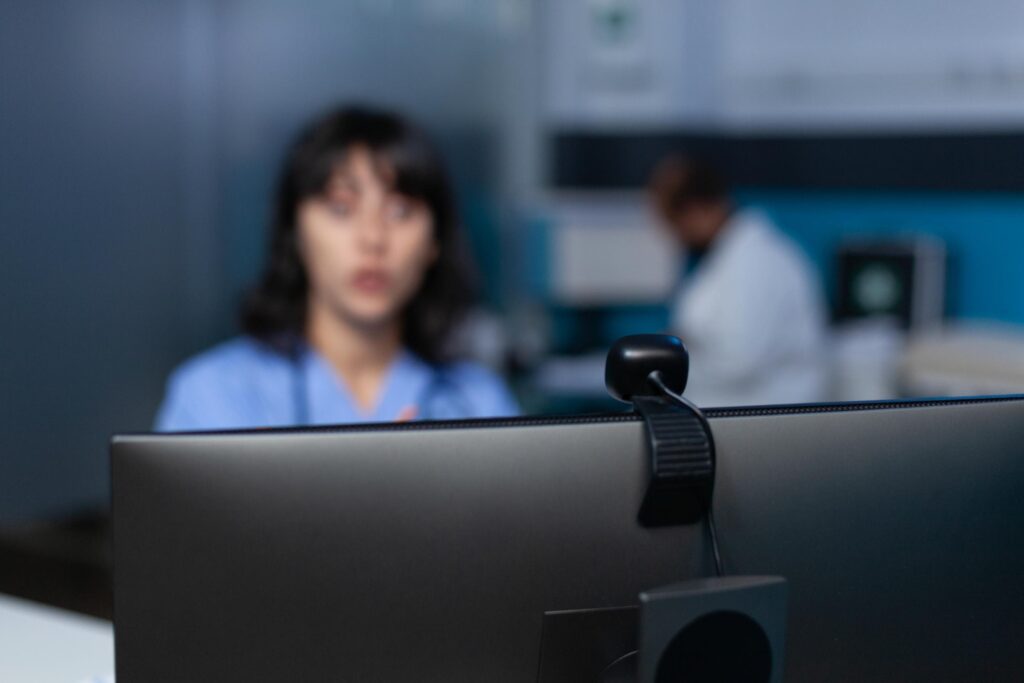
Ambiant supplies and installs capture, display, and audio systems for lecture theatres, seminar rooms, and formal training environments across New Zealand. We design and configure rooms that deliver the highest quality experience for students in the room and those joining remotely.

WHY LECTURE ROOM AV Solutions MATTERS

Helping Your Students To
Excel.

Lecture theatres and training rooms are places for high functioning equiptment for high achieving students. A microphone with clear audio, a display that shines even for students in the back row, and a camera that captures everything you need it to.


Ambiant designs lecture and training room AV from the audience’s perspective outward. Acoustics first, then display, then capture — so every seat in the room (and every screen at home) gets the highest quality experience.


Lecture & Training Room Solutions

Large-Format Display Systems

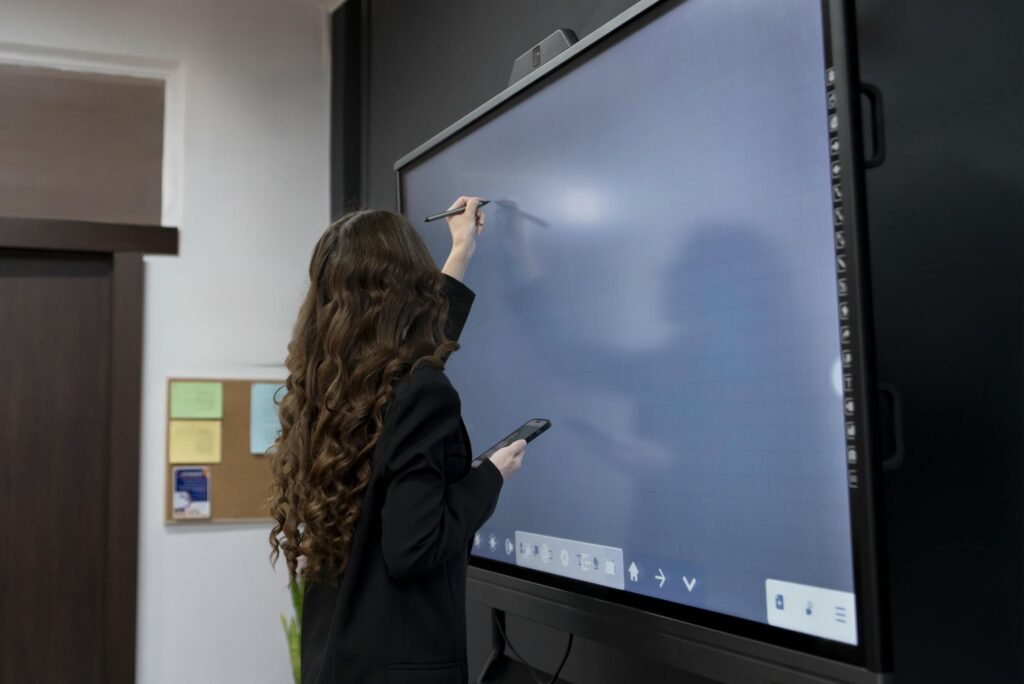
We supply and install projectors, laser projectors, and large interactive displays sized for lecture theatres and training rooms, sharp, bright, and visible from every seat. Dual-screen setups available for simultaneous content and video display.


Lecturer Microphone Systems

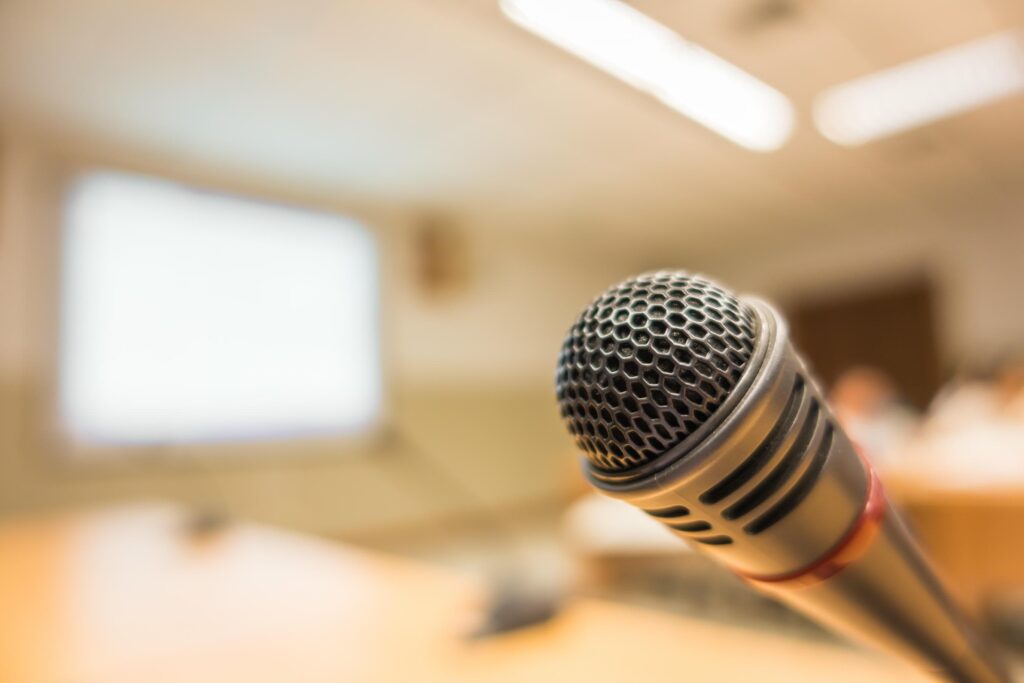
We provide and install Shure wireless lapel and handheld microphone systems that give lecturers freedom of movement, plus ceiling and boundary microphones for seminar-style rooms where multiple speakers contribute.

Room Audio Systems

We install distributed speaker systems that deliver clear, even sound to every seat in the room, with Biamp-powered audio processing for consistent intelligibility regardless of where the speaker is standing.

Lecture Capture & Remote Delivery

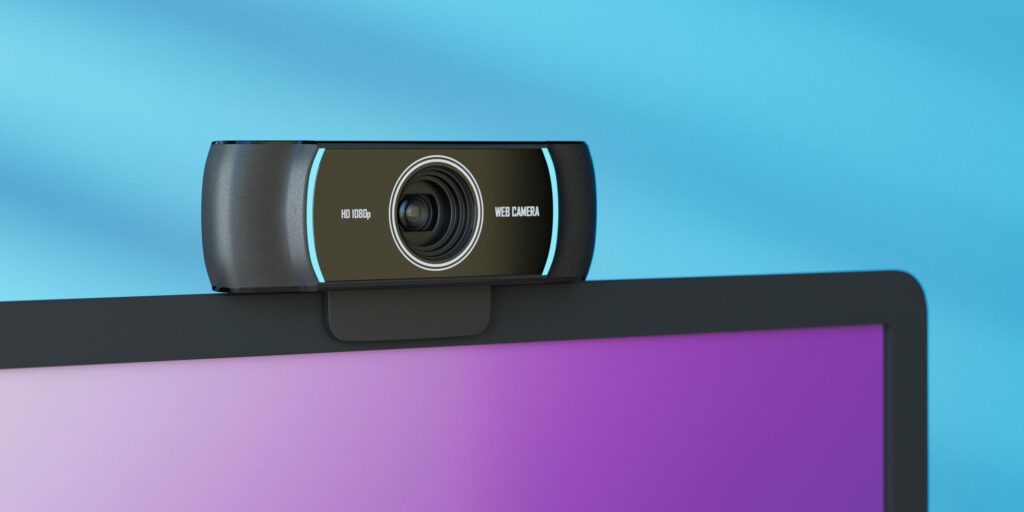
We install auto-tracking cameras that follow the lecturer automatically, plus screen capture integration for recording and live-streaming lectures to remote students or for later review, with no dedicated operator required.

Presenter Technology Integration

We provide HDMI, wireless, and USB-C connectivity for any presenter device, with a simple switching system so lecturers can move between a laptop, a document camera, and remote participants without interruption.

Room Control Systems

We integrate Q-SYS touch panel control that manages displays, audio levels, microphones, and camera presets from a single panel, so the lecturer sets up the room in one touch, every time.

Hybrid Learning Design

In the Room and Online

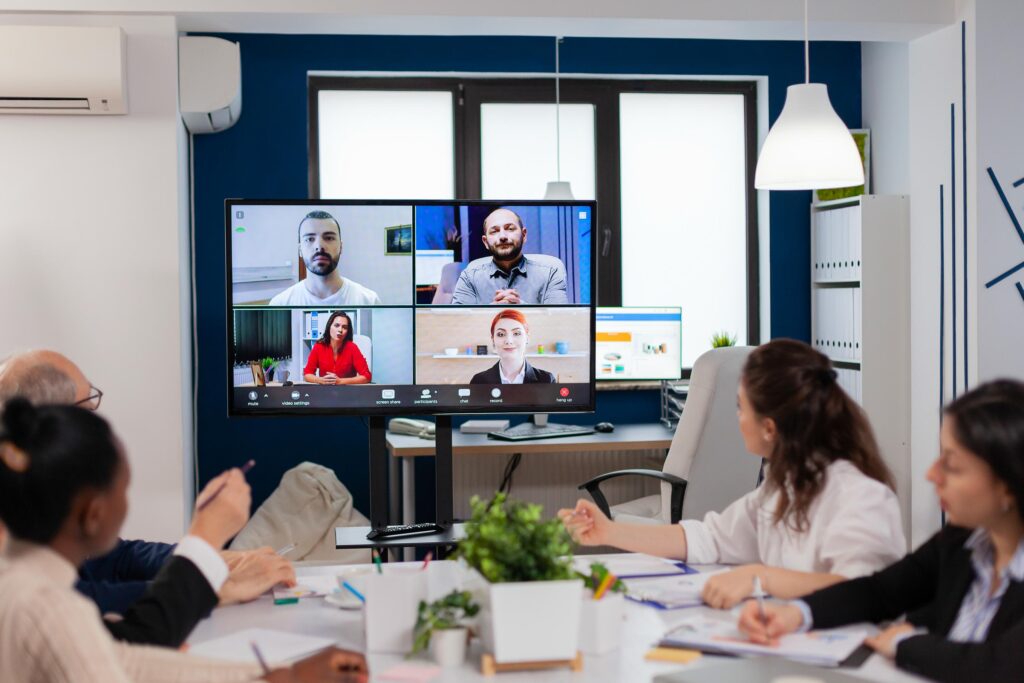
A hybrid lecture theatre must serve two purposes. Engaging those in front of the lecturer and making sure those at home feel like they are right there. Ambiant designs systems that serve both at the same time.

Display

In-Room
Large-format projection or display visible from every seat.
Remote
Remote students see lecture content via screen share, while an in-room camera shows the space.

Audio

In-Room
Clear amplified lecturer voice through distributed speakers.
Remote
The lecturer microphone feeds directly into the conferencing platform, helping remote students hear naturally.

Camera

In-Room
An auto-tracking camera follows the lecturer for remote participants.
Remote
Remote participants appear on a dedicated display in the room, making them visible to everyone.

Interaction

In-Room
Students ask questions verbally, with Q&A content visible on screen.
Remote
Remote students contribute through Teams or Zoom chat, a room display or the raised-hand feature.

Recording

In-Room
The lecture is captured for later review by in-room students.
Remote
The same recording stream is available to remote and in-room students.
Room Size Guide

Scaled for Your Space.

Flexible AV solutions designed around your room size, audience and presentation requirements.
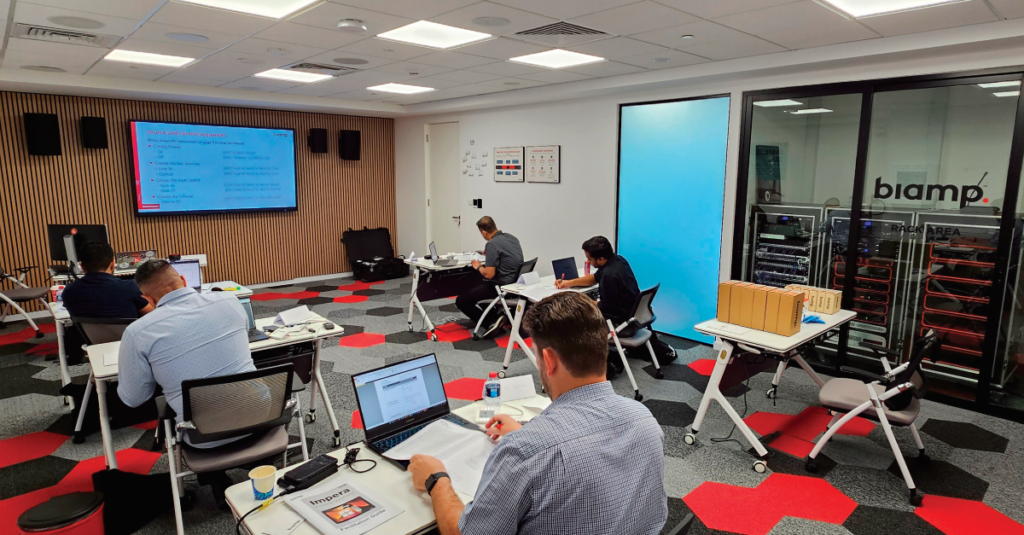
Seminar Room
Capacity
10–30 students
Typical AV Configuration
Interactive flat panel, ceiling boundary microphones, in-ceiling speakers, laptop connectivity and Teams/Zoom certification.
Training Room
Capacity
20–50 students
Typical AV Configuration
Dual displays for content and video, Shure wireless microphone, Biamp DSP, PTZ camera and Q-SYS one-touch control.
Lecture Theatre
Capacity
50–150 students
Typical AV Configuration
Short-throw or laser projector, distributed speaker system, auto-tracking camera, wireless presenter microphone and dual screen.
Seminar Room
Capacity
150–500+ students
Typical AV Configuration
Dual projectors, line array or distributed speakers, multi-camera system, zone mixing, full Q-SYS automation and an ADA-compliant hearing loop.

WHAT'S INCLUDED

End-to-End Lecture Room Delivery.

WHO THIS IS FOR

Built for NZ Schools and Tertiary Institutions.

Institution Type Common Use Cases
Secondary schools (Years 11–13) Senior seminar rooms, formal assessment rooms, hybrid parent-teacher capability
Kura and special character schools Multi-purpose halls with AV, seminar rooms for senior study
Polytechnics and institutes of technology Trade training rooms, lecture theatres, hybrid delivery classrooms
Universities Lecture theatres at all scales, tutorial rooms, hybrid seminar rooms
Private training establishments (PTEs) Training rooms for blended and hybrid course delivery, recording for online students

FAQ

Common Questions About Lecture & Training Room AV

Answers to the questions we hear most often.
How is a lecture theatre AV setup different from a standard classroom?
Lecture theatres are designed “from the audience’s perspective outward” — prioritising clear audio intelligibility and full visibility of content from every seat, plus support for hybrid delivery to remote learners, which a standard classroom setup usually doesn’t need to account for.
Yes, auto-tracking cameras are used for lecture capture and live remote delivery, and the system is designed so recording works without a dedicated camera operator.
Shure wireless microphone systems — lapel and handheld — are paired with distributed speaker systems and Biamp audio processing, so a lecturer moving around the front of the room stays clearly audible throughout the space.
Ambiant designs lecture and training room AV for secondary schools (Years 11–13), kura, polytechnics, universities, and private training establishments, so the same underlying approach applies from senior secondary through tertiary settings.
No — Q-SYS touch panel management is used specifically so a lecturer can run displays, audio, and recording from one interface without needing an AV technician present.
Acoustic assessment, platform certification for Teams, Zoom, and Google Meet, hybrid testing with actual remote participants, lecturer training, and AV technician guides are all included, so the room is validated as working before it goes into regular use.

Contact

Ready to Talk About Your Project?

Get a free consultation and fixed-price quote from our Auckland team.

Email

sales@ambiant.nz

Phone

0800 123 334

Location

Auckland, New Zealand

Technology Partners