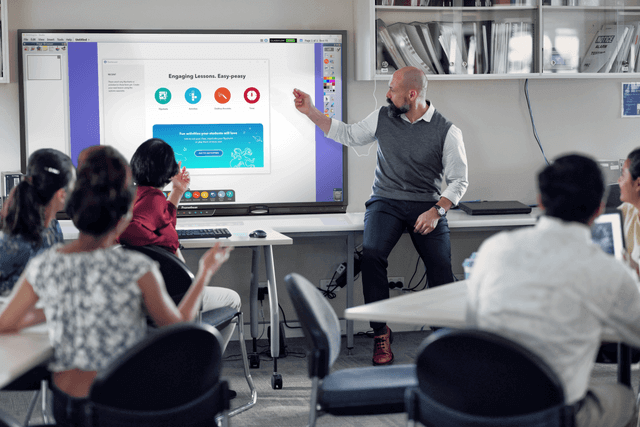
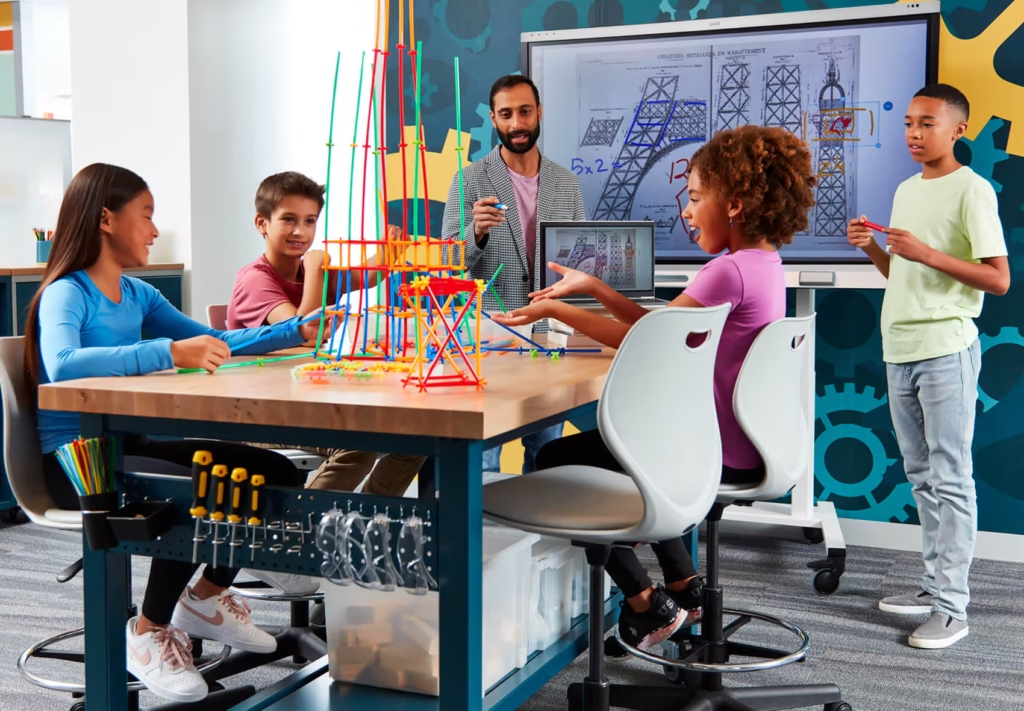
Research consistently shows that students learn more effectively through active participation — discussing, creating, presenting, and solving problems together. But most traditional classroom layouts make genuine collaboration difficult.
Collaborative AV technology removes those barriers. Multi-screen environments, wireless device sharing, and real-time annotation tools transform how groups work together — and how teachers facilitate that work.
We install multiple screens positioned around the room so every group can display their work simultaneously. No waiting for the front-of-room display to be free, and no disruption to flexible, group-based learning.
We provide and configure wireless device sharing powered by DisplayNote so students can connect any device to any classroom display instantly, with no cables, no adapters, and no hands raised waiting for a turn.
We install multi-touch interactive displays that allow multiple students to write, draw, and annotate simultaneously. Real collaborative whiteboarding, not just one person at the front.
We configure screen mirroring so teachers or students can push their screen to any display in the room in real time, enabling peer review, live editing, and group critique without anyone leaving their seat.
We install dedicated display stations at each group workspace, connected to the room’s AV system so groups can present to the class without leaving their tables.
We integrate classroom AV hardware with Google Workspace for Education and Microsoft Teams for Education so students work with the tools they already use, displayed and managed on the screens we install.


ActivPanel 9
SMART Board Series

Ceiling Audio Systems
| Environment | Type | Recommended Setup |
|---|---|---|
| Flexible learning spaces | Open Flexible Classrooms | Multiple screens on movable stands or ceiling drops; wireless sharing; zoned audio for breakout groups |
| Standard classrooms | Retrofitted Collaborative Classrooms | Interactive panel at front + one secondary display at rear; DisplayNote wireless sharing for all devices |
| STEM & maker spaces | STEM & Project Rooms | Large interactive displays for design reviews; multiple input switching; wall-mounted group stations |
| Library & learning commons | Library Learning Hubs | Clustered display stations; quiet audio zones; wireless sharing without needing teacher presence |
| Breakout rooms | Small Group Breakout Spaces | Single interactive panel per room; DisplayNote; connection back to main classroom display for teacher oversight |
Ambiant works with NZ schools to understand how collaborative learning is actually delivered in your classrooms — not just which hardware buttons to press. Our installations are designed around how teachers want to teach, not around what’s easiest to install.
Backed by Netcare IT expertise, every collaborative AV setup integrates cleanly with your school’s network, Google Admin Console, or Microsoft 365 environment — no shadow IT, no security gaps.