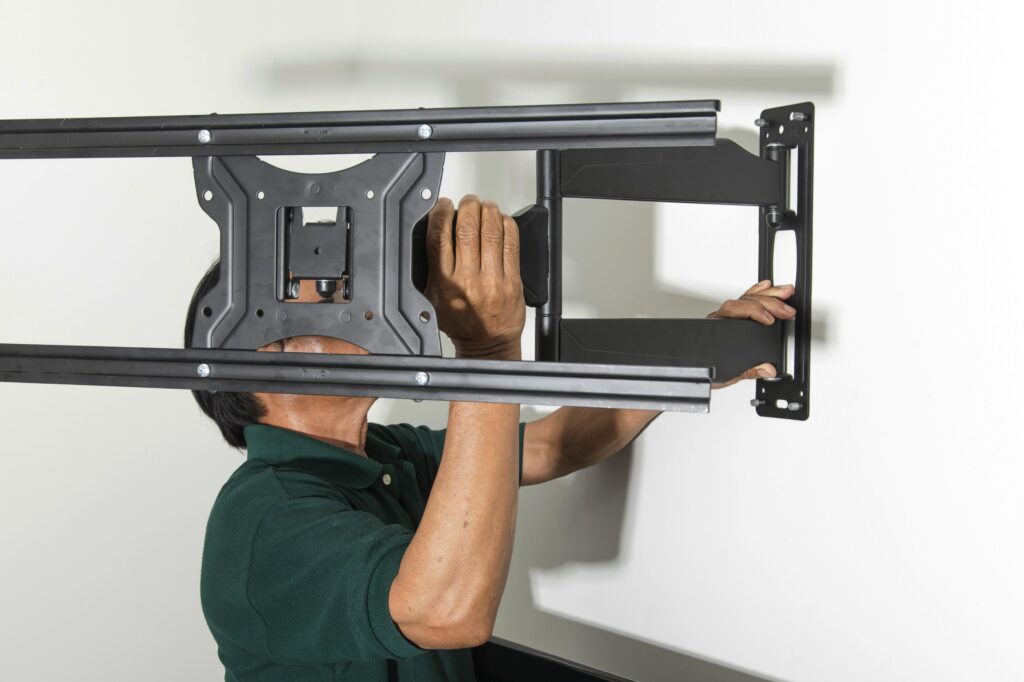
The right mount makes the difference between a professional AV installation and a hazard. Ambiant supplies and installs wall mounts, ceiling mounts, and motorised systems for every display and projector type — neatly, safely, and permanently.
Consumer bracket installations often fail to account for cable management, viewing angle optimisation, wall substrate, or long-term load-bearing requirements. In a commercial or educational environment, an incorrectly mounted display is both a safety risk and a guarantee of callbacks.
Ambiant mounts are specified for the exact display weight, wall substrate, and viewing environment — and our installers are trained to get it right the first time.
Fixed Wall Mounts
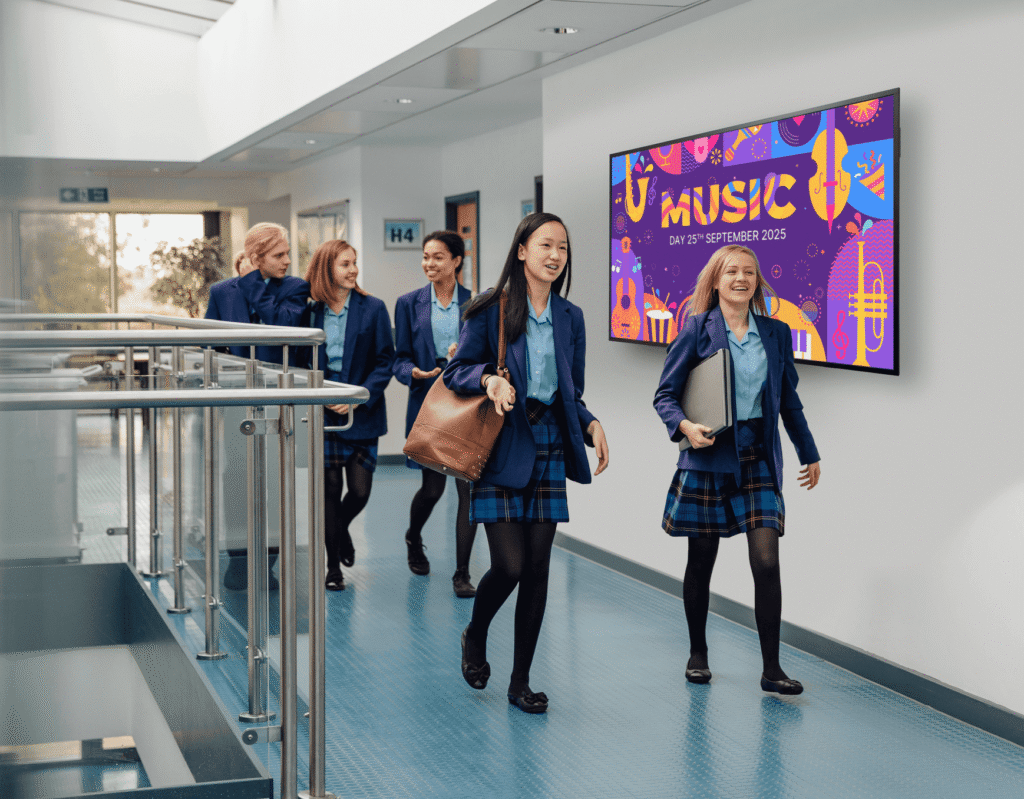
Low-profile mounts that hold displays flat against the wall — strong, tidy, and permanent for locations where viewing angle is consistent.
Best For
Reception screens, corridors, retail
Tilt & Swivel Wall Mounts
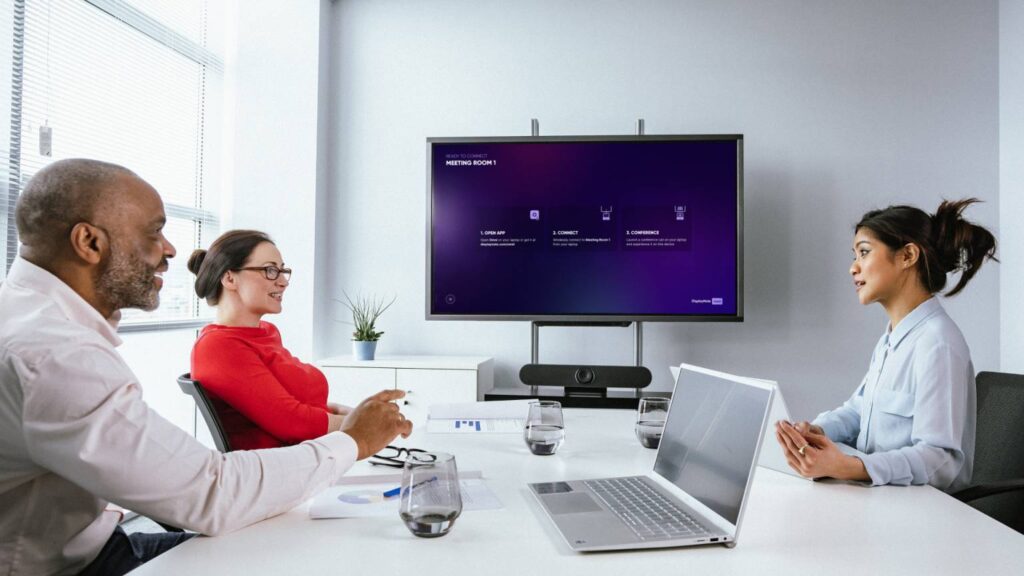
Articulating mounts with tilt and side-to-side swivel — adjustable for spaces where the viewing angle varies or glare management is needed.
Best For
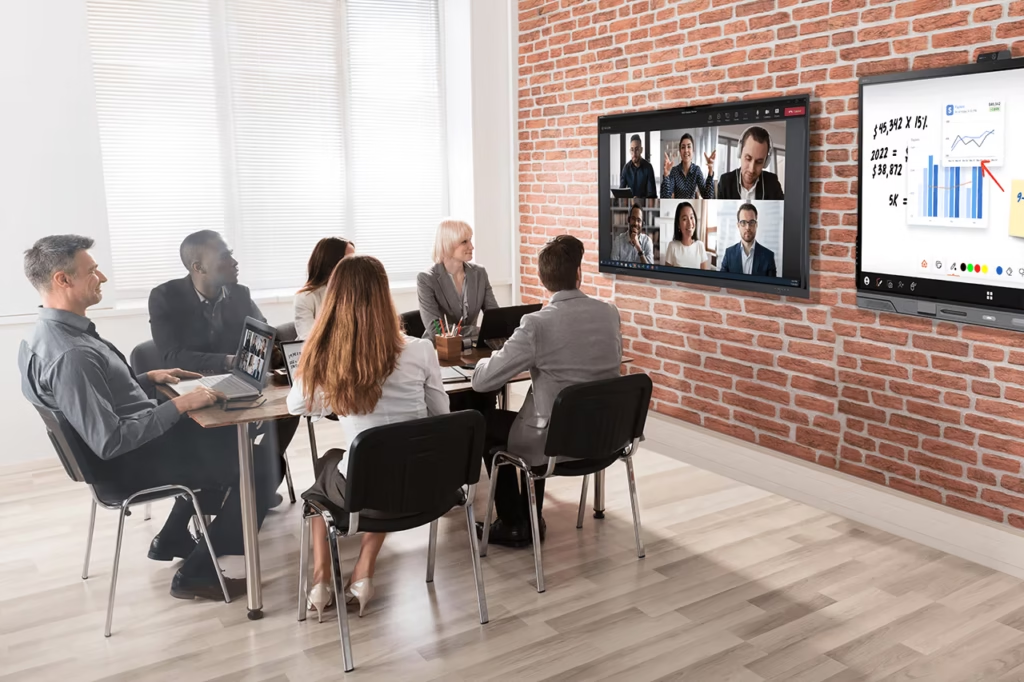
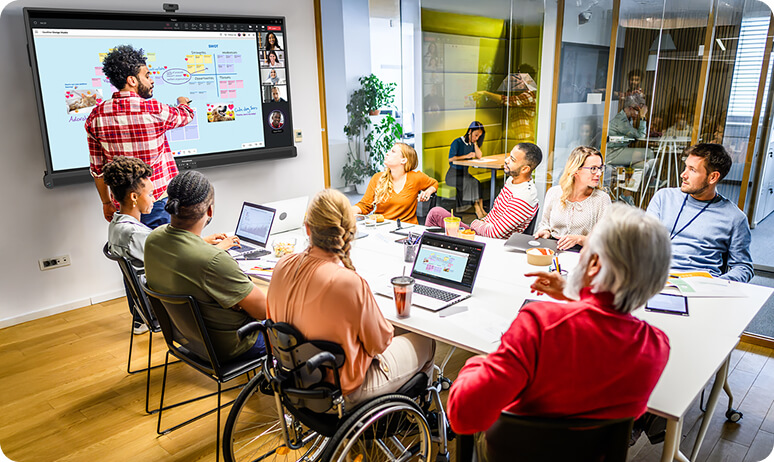
Meeting rooms, classrooms, offices
Monitor Arms & Desk Mounts
Single and dual monitor arms for sit-stand desks and workstations — improve ergonomics and clear desk space for cleaner work environments.
Best For
Offices, call centres, workstations
Ceiling Drop & Pendant Mounts
Drop-rod ceiling mounts for suspended display installations in open spaces, atriums, and environments where wall mounting isn’t feasible.
Best For
Retail, atriums, open-plan spaces
Motorised Lifts & Hidden Mounts
Retractable motorised display lifts that conceal a display inside furniture or the ceiling when not in use — for premium boardrooms and meeting rooms.
Best For
Executive boardrooms, feature spaces
Projector Ceiling Mounts
Adjustable ceiling mounts for short-throw and standard-throw projectors — with cable management spine and micro-adjustment for perfect image alignment.
Best For
Classrooms, meeting rooms, theatres
CABLE MANAGEMENT
No Visible Cables. Ever.
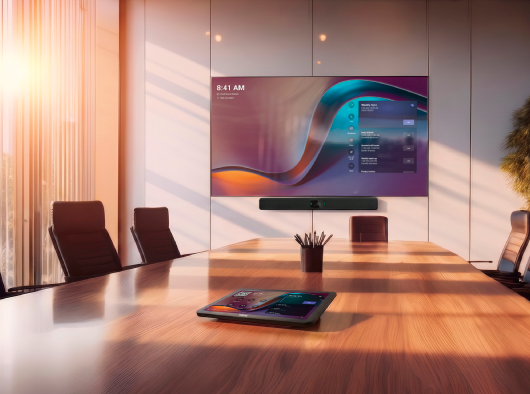
Every Ambiant mounting installation includes professional cable management. HDMI, power, and signal cables are run inside walls, through conduit, or in surface-mounted cable trays — giving every installation a clean, professional finish.
Method
Description
Best For
In-wall cabling
Cables run inside the wall cavity between
the display and source equipment —
completely invisible
Permanent fixed mounts in
plasterboard or brick walls
Surface conduit
Cable management conduit attached
to the wall surface — tidy and paintable
Concrete or block walls where
in-wall routing isn't possible
Cable spine on mount
Cable management integrated into the
mount arm — cables run through the mount itself
Articulating arms and ceiling
drop mounts
Floor boxes & desk ports
Under-floor or in-desk cable termination
for flexible workspace environments
Meeting rooms, open-plan
offices
ROOM-BY-ROOM GUIDE
Which Camera for Which Room?
Huddle Room (1–4)
Recommended Camera
USB conference bar
Why
All-in-one simplicity, cost-effective, excellent for close-range calls
Standard Meeting Room (5–10)
Recommended Camera
Auto-tracking PTZ
Why
Follows speaker automatically — no manual pan/tilt needed during calls
Boardroom (10+)
Recommended Camera
Dual PTZ with presets
Why
Multiple angles, presenter and audience views, Q-SYS controlled
Classroom
Recommended Camera
Auto-tracking camera
Why
Teacher tracking — remote students always see the front of the room
Lecture Theatre
Recommended Camera
PTZ + fixed wide-angle
Why
Main stage camera + room overview for full hybrid lecture coverage
WHAT'S INCLUDED
Installation You Can Count On.
Wall or ceiling substrate assessment before drilling — no surprises
Mount supply — specified for exact display weight and VESA pattern
Professional installation with load-bearing fixings into studs or masonry
Cable management — in-wall, conduit, or spine depending on substrate
Viewing angle and height optimisation for the room layout
Display attachment and alignment — level, secure, and perfectly positioned
Post-installation structural check and sign-off
FAQ
Common Questions About Display Mounting Systems
Answers to the questions we get asked most.
What types of mounts does Ambiant supply for commercial displays?
Six main categories: fixed wall mounts, tilt and swivel mounts, monitor arms and desk mounts, ceiling drop and pendant mounts, motorised lifts, and projector ceiling mounts — each matched to a different room type and use case rather than a single generic option.
Why does mount selection matter so much for safety?
The wrong mount for a display’s weight or the wall’s substrate is a genuine safety hazard, not just a fit issue. Professional installation accounts for wall substrate and long-term load-bearing requirements, using studs or masonry fixings with structural sign-off.
Can cables be completely hidden after a display is mounted?
Yes — Ambiant’s stated approach is “no visible cables, ever,” achieved through in-wall routing, conduit, or cable paths integrated into the mount itself.
Are tilt and swivel mounts worth it over a fixed mount?
Tilt and swivel mounts are worth it where glare, multiple viewing angles, or shared use of a room mean a fixed viewing position doesn’t work for everyone — fixed mounts are better suited to spaces like corridors or reception where one consistent angle is enough.
Do motorised lift mounts work well for boardrooms specifically?
Yes, motorised lifts are commonly used in executive boardrooms and other feature spaces where the display needs to disappear from view when not in use, rather than being a permanent visual fixture.
Is mount installation just physical fitting, or does it include adjusting the display's position?
It includes viewing angle and height optimisation for the room layout as well as physical fitting, so the finished result accounts for how people will actually sit and view the display, not just where it’s bolted to the wall.